
SynthEdit — Build Your Own Synth
I’ve been building
SynthEdit since 1987.
It’s a modular environment for designing synthesizers and effects. You patch modules together on a canvas, draw a front panel, and export a VST3 or Audio Unit plugin. What you build is yours — sell it, give it away, no royalties, no permission needed.
New in 1.6 — SynthEdit now runs natively on macOS.
Hear it — smooth, sample-accurate filters, rendered straight out of SynthEdit0:36- WindowsNative · stable
- macOSNative · new in 1.6
- LinuxRough prototype · not ready
The Linux build runs, but it isn’t something I’d ask you to rely on yet. There’s no download button here on purpose — it’ll get one when it’s worth your time.
Nothing is hidden from you
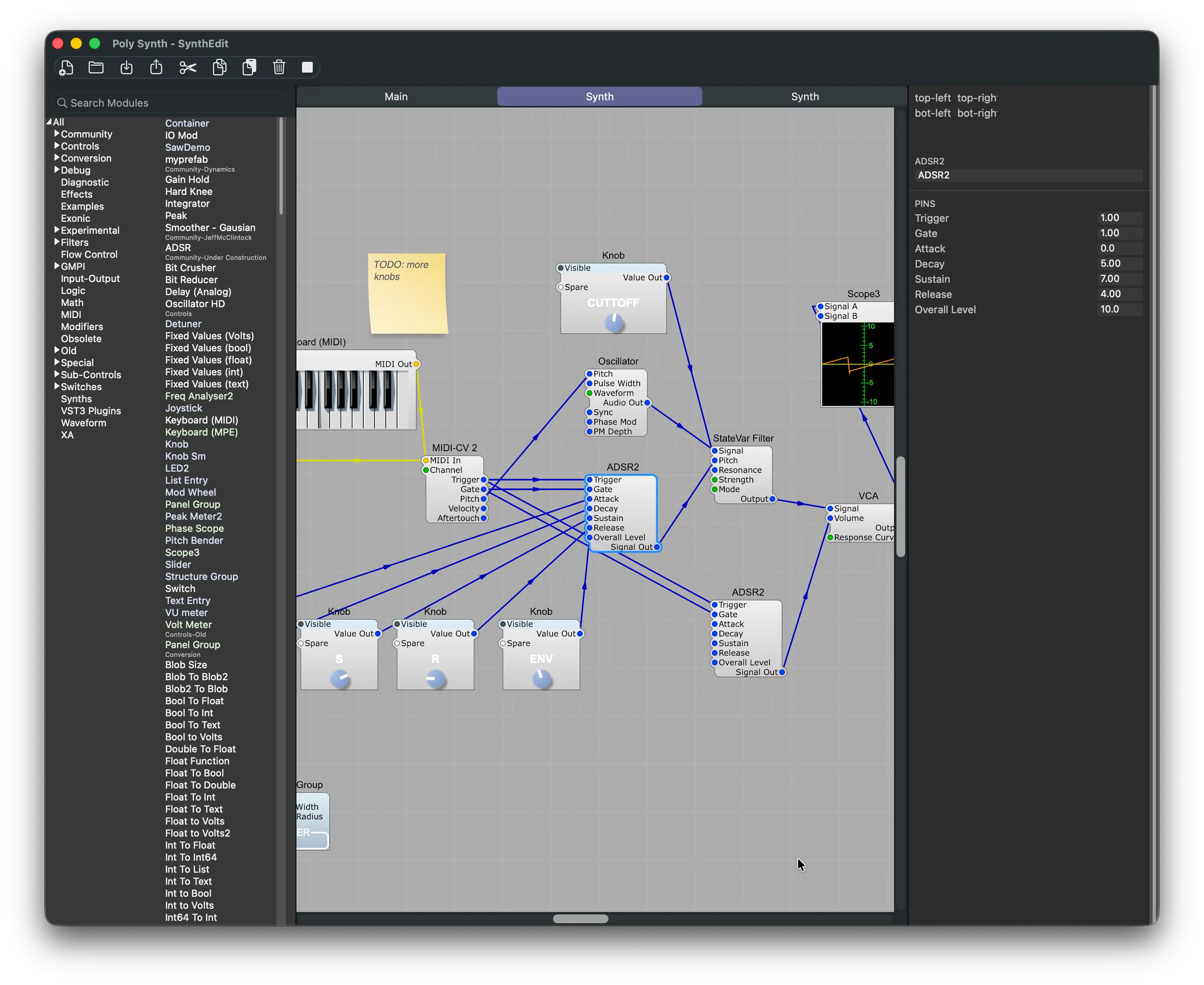
There’s no layer underneath that you’re not allowed to see. Every oscillator, filter, envelope and bit of arithmetic is a module sitting on the canvas, and every connection is a wire you drew yourself.
Patch it together and listen
Drag modules onto the canvas and wire them up. The engine is running the whole time, so you hear each change as you make it. Hover any pin or wire and a small live scope shows you the signal passing through it.
There’s no wrong way to wire things up. Hook modules together in your own weird and wonderful ways and the programming turns into exploring — which is the part I still enjoy after all these years.
Build your first synth →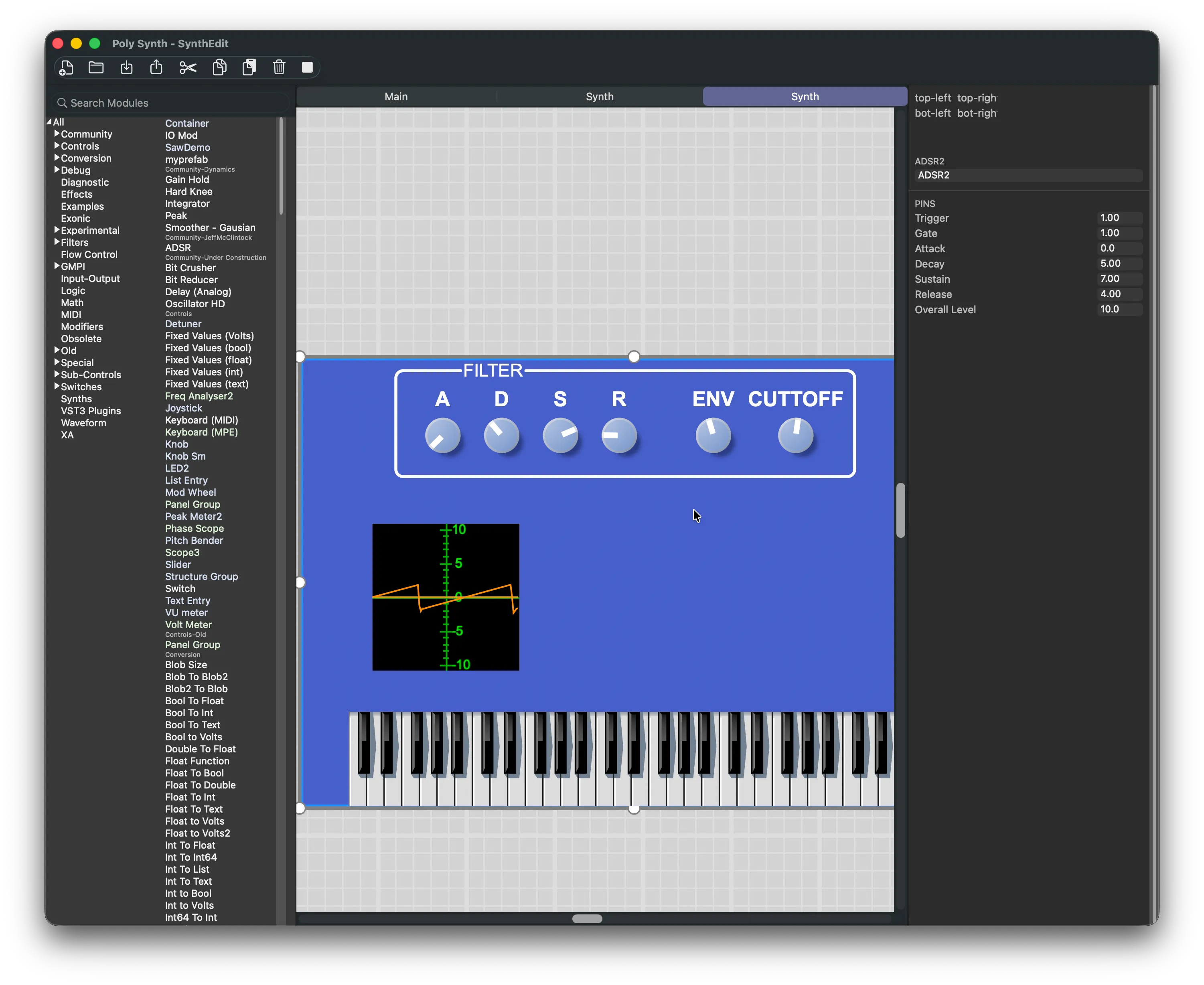
Then draw the front panel
Lay out knobs, sliders, switches, graphs and your own bitmap artwork in the panel designer. What you draw is what your users get — the plugin window is yours to design, not a generic host-supplied list of parameters.
Export it and you have a 64-bit VST3 or Audio Unit that loads in any major DAW on Windows and macOS.
How exporting works →Real DSP, and a way out
The visual canvas isn’t a toy layer over something simpler — it’s the whole program. Exporting a VST3 or Audio Unit takes one step. Going further than that takes real C++ experience, and I’d rather be straight about which is which. Full technical specifications →
| Capability | Visual patching | Going deeper |
|---|---|---|
| Plugin formats | One-step export to 64-bit VST3 (Windows & macOS) and Audio Unit (macOS). No extra tooling, no build system to learn | Experienced C++ developers can take a third route: SE2JUCE exports the project as JUCE-compatible source, and JUCE reaches further formats. This is real software development, not a checkbox |
| Audio engine | 32-bit floating-point DSP at any sample rate | Every signal — audio, control voltages, envelopes — runs at full sample rate. No zipper noise |
| Polyphony | Up to 128 voices per instrument | Idle voices sleep automatically to spare the CPU |
| Modules | 300+ built in | Write your own DSP in C++ with the open SDK, or draw on hundreds of community modules |
| Interfaces | Drag-and-drop panel designer | Custom knobs, sliders, switches and bitmap art |
| Distribution | Royalty-free — sell what you build | Automate builds and releases with GitHub Actions |
Your work shouldn’t depend on me
- Everything you export is royalty-free
- Sell it, bundle it, give it away. I don’t take a cut and you don’t need my permission.
- The plugins you ship don’t phone home
- The built-in registration modules need no internet connection and no licence server. Your customers never talk to anybody’s server — mine included.
- One licence covers all current versions
- Major versions keep their own settings and don’t interfere with each other. You buy it once.
- SynthEdit itself activates online
- This changed, so I’d rather say it plainly. The editor authorises over the internet, with offline activation available if you work disconnected.
- The door is unlocked, but it isn’t automatic
- If you outgrow SynthEdit — or simply don’t want to depend on it — SE2JUCE exports your whole project as JUCE-compatible C++ source. Walking through that door takes genuine software development experience, so I won’t pretend it’s seamless. It does mean your work isn’t trapped in my file format.
What it doesn’t do yet
Things I’d rather you heard from me now than discovered on day three.
- MIDI
MIDI processing can be awkward. The VST3 format’s MIDI support is limited, and that constrains MIDI-effect-style plugins more than I’d like.
- Standalone
Exporting a standalone application isn’t supported yet. Today the built-in export targets are VST3 and Audio Unit.
- CLAP
CLAP support isn’t ready yet.
- Linux
The Linux port is a rough prototype. It runs, but it isn’t ready to be relied on.
Built with SynthEdit
Thousands of free and commercial plugins have been built with it, including instruments that ended up in professional studios.
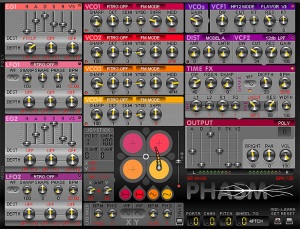
Phasm
A phase-distortion synthesizer with a unique approach to waveform manipulation.
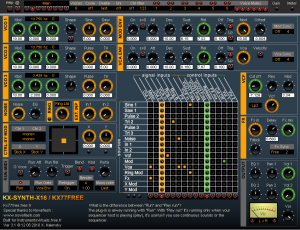
Kx Synth X16
A polyphonic synthesizer with extensive modulation capabilities.
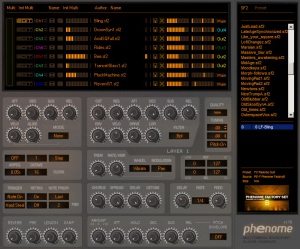
Phenome
A vocal synthesizer that generates realistic singing voices.
The demo is the whole program
Fully featured for 60 days, plugin export included. After that a licence keeps everything working, with no further restrictions.
— Jeff McClintock, New Zealand